
Read the demo screen before a spin#
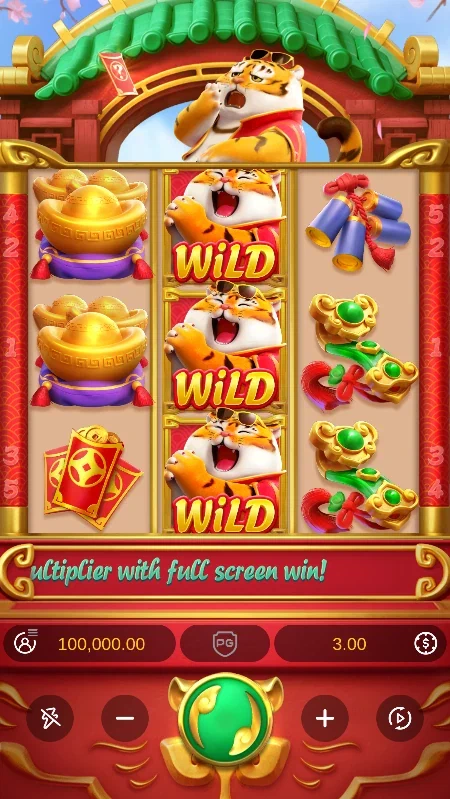
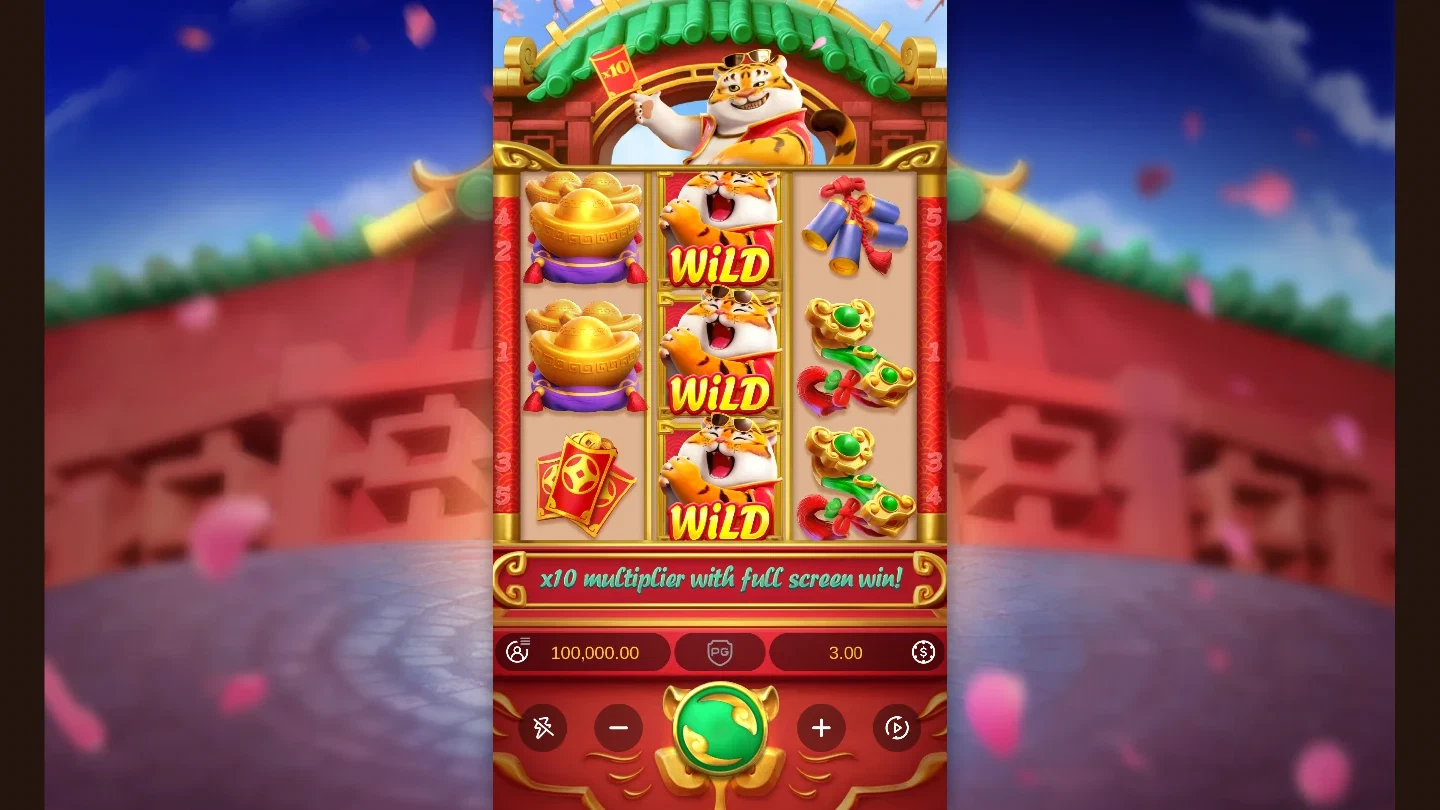
Fortune Tiger keeps the main controls below its nine-position grid. Start with the displayed Bet Amount, then find Spin and the menu. The menu provides Paytable, Rules and History, so you can look up a symbol or review a result while learning the game.
Trial Mode is useful for following what each control does. Treat the displayed balance and wins as part of that demo session. A pictured result describes the round shown; the game’s next round has its own result. The big-win gallery gives examples with the amount kept beside the relevant image.
Set a stake and follow the result#
Bet Amount opens the stake options. Bet Size and Bet Level determine the stake across five fixed paylines. For a worked calculation, use the how-to-play guide. Keep the displayed amount in view after making a change, then start a single spin so you can follow the line highlights.
The tiger Wild substitutes for other symbols. A winning line runs from the leftmost reel to the right, and wins on different lines are added. Open the paytable when you want to connect the highlighted symbol with its payout value.
Recognise the Fortune Tiger Feature#
The feature can start randomly during any spin. It chooses a non-Wild symbol and fills its reel set with that symbol, Wilds and blanks. Existing symbols stay in place during respins. When another symbol arrives, the sequence continues; when a respin adds no further symbol, the feature ends and pays its wins.
That makes a single feature sequence worth watching from start to finish. Follow which positions stay occupied and which positions change. The feature guide explains this sequence and the separate condition for the x10 multiplier.
Choose the pace of the demo#
Auto Spin runs a selected number of rounds, and Stop ends Auto Spin. Turbo reduces the duration of the main-game reel animation. When learning the screen, single spins give you a clear pause for reading the stake and result before starting again.
On the PC version, Space can start a spin; holding it continues spins until release. Use the controls in the session you open to choose the pace you want. Select Play demo to load the game preview. The Play action leads to the partner destination for game options, while the images on this page illustrate the controls.