Set the stake before the first round#
Fortune Tiger uses five fixed paylines. The stake controls let you change Bet Size and Bet Level, with Bet Amount showing the total selected for the round. Open Bet Amount to inspect the available choices, make a selection and read the resulting total before pressing Spin.
In the illustrated Trial Mode configuration, Bet Size runs from 0.03 to 0.90 and Bet Level from 1 to 10. These are the controls of that demo configuration. For the session you open, use the values displayed in its own stake selector.
The relationship between the controls is useful even before you choose a value:
Total bet = 5 paylines × bet size × bet level.
For example, a bet size of 0.10 and bet level of 2 gives a total bet of 1.00. Keeping the five-line factor visible explains why a change to Bet Level changes the full round stake. Plus and Minus adjust Bet Amount; Max Bet sets Bet Size and Bet Level to their maximum values.
Start a spin and read a winning line#
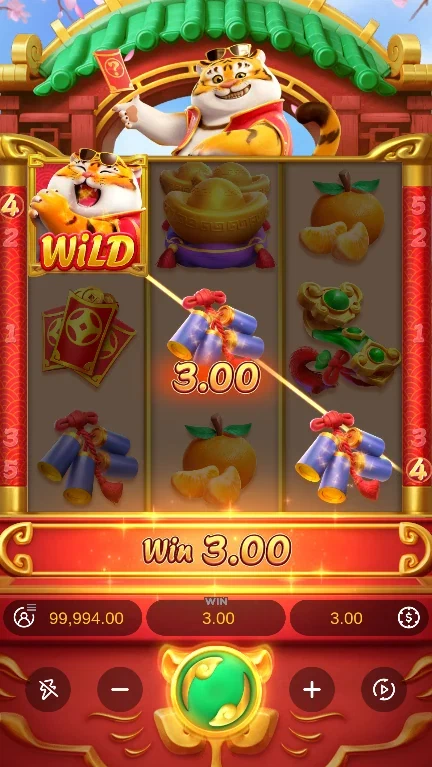
Tap Spin to begin at the current settings. Winning symbols must form a combination in succession from the leftmost reel to the right. The tiger Wild substitutes for other symbols. Only the highest win on each line pays, while wins on different lines are added.
The paytable gives the seven symbol values. To turn one into a line payout, multiply the value by bet size and bet level. At the example settings of 0.10 and 2, a three-mandarin line uses 3 × 0.10 × 2 and pays 0.60. That line payout can then be part of the round’s total if other paylines also win.
Read the highlighted line and the final win display together. The highlight explains the combination; the amount shows the result after the game applies the rules. A result image can illustrate that relationship, while the settings and complete round determine the calculation.
Follow the feature through its respins#
During any spin, the Fortune Tiger Feature can trigger randomly. It selects one symbol other than Wild, then uses only that chosen symbol, Wilds and blanks. Existing symbols remain where they landed. At least one additional chosen symbol or Wild prompts another respin.
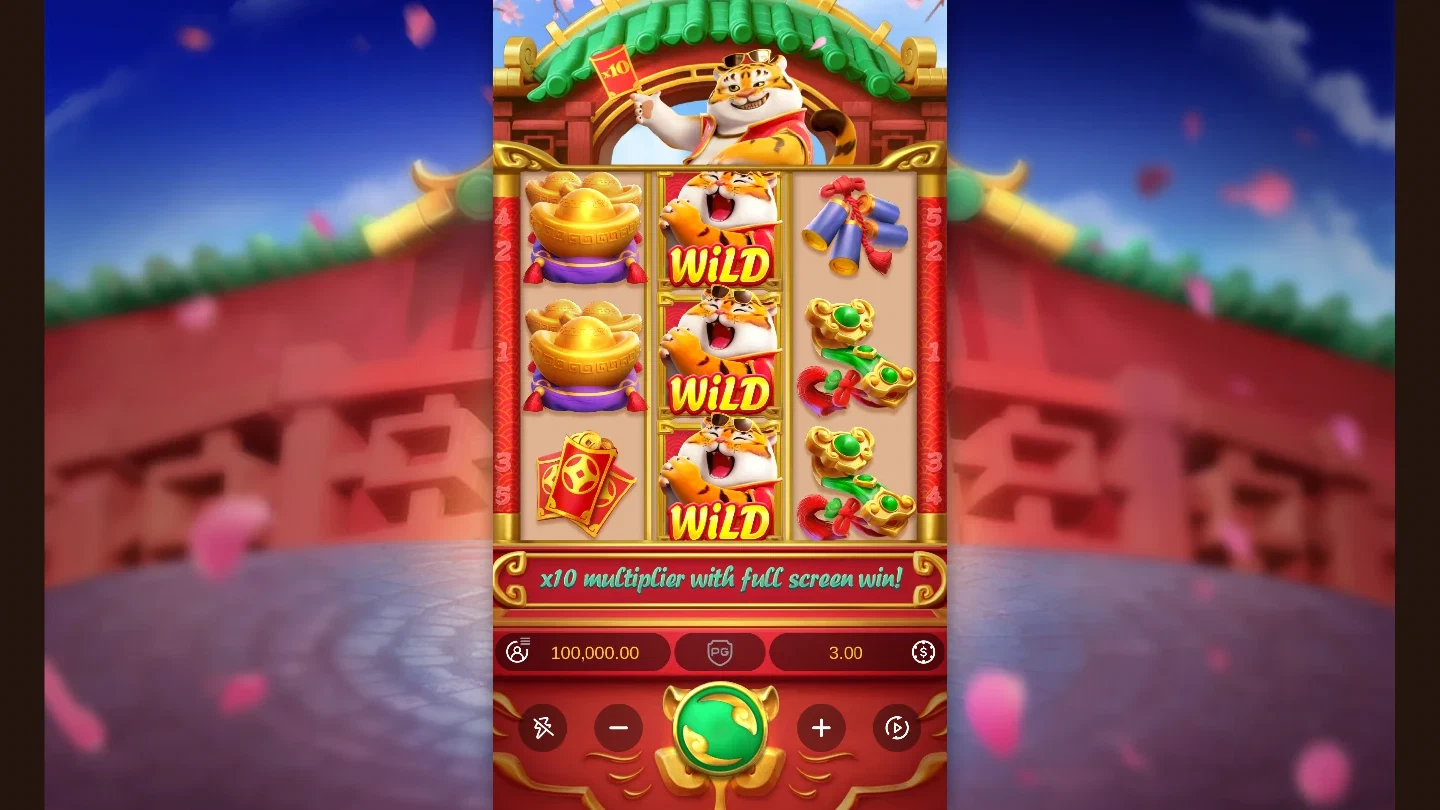
Follow the unfilled positions as the sequence continues. When a respin adds no additional symbol, the feature ends and pays its wins. The feature guide shows the stages in order, including the retained positions. Its images let you compare a starting state with later feature frames.
The x10 multiplier applies when all symbols on the reels participate in a win. Read that condition as part of the completed result. The game’s maximum win is up to 2,500x the total bet; the big-win gallery distinguishes that limit from the specific amounts displayed in demo examples.
Use the menu and pace controls#
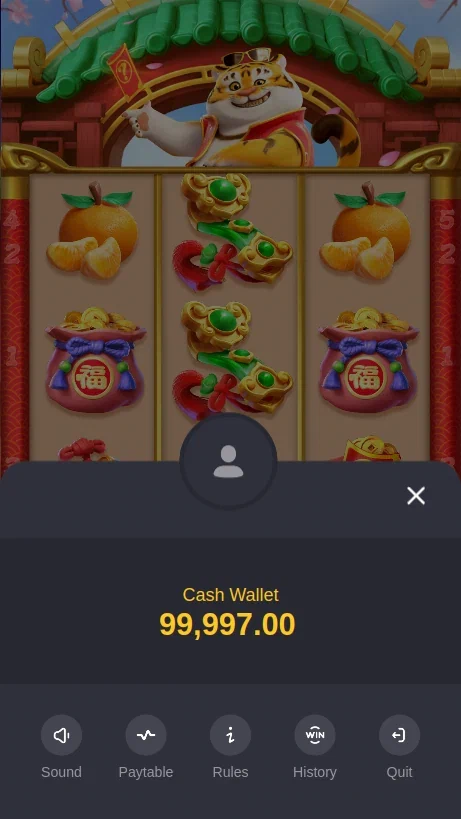
The Trial Mode menu gives access to Paytable, Rules, History and Sound.
Open Paytable for combinations and symbol values. Open Rules for the control descriptions and the feature sequence. History shows details of previous games, with more records available as you scroll and a Custom option for selecting dates. Close returns to the main game, and Sound switches the audio on or off.
Auto Spin runs a selected number of rounds. Tap Stop to end automatic play; the number on the button indicates the rounds remaining. Turbo shortens the main-game reel animation. Start with single rounds when you want time to read a symbol value or review the result before choosing the next action.
On the PC version, Space starts a spin at the current settings. Holding Space continues spins until you release it. During a spin, Space can skip the animation and reveal the result, subject to the connection. The on-screen buttons remain the clearest reference when you are learning where each action appears.
The demo overview introduces the screen before these steps. Once the stake, menu and result display are familiar, use the partner action to continue to the game options presented at your chosen destination.